
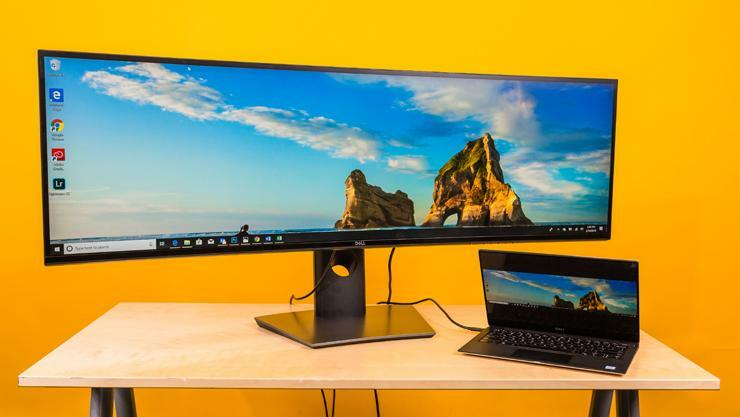
In the market for a new computer monitor? You’ve come to the right place. This comprehensive guide will teach you everything you need to know about choosing the right monitor for your needs. We’ll cover topics like resolution, size, refresh rate, and more. By the end of this guide, you’ll be an expert on all things computer monitors!
What is Resolution?
The resolution of a monitor is the number of pixels that make up the display. The higher the resolution, the more detailed and clear the image on your screen will be. If you’re looking for a monitor for general use, we recommend a resolution of at least 1920 x 1080. However, if you’re looking for a monitor for gaming or graphic design, you’ll want a higher resolution like 2560 x 1440 or even 4K.
What is Refresh Rate?
The refresh rate is how often the image on your screen is updated per second. A higher refresh rate means a smoother image with less motion blur. If you’re looking for a monitor for general use, we recommend a refresh rate of at least 60 Hz. However, if you’re looking for a monitor for gaming, you’ll want a higher refresh rate like 144 Hz or even 240 Hz.
What Size Should I Get?
The size of your monitor is largely dependent on how much space you have on your desk and how close you sit to your screen. If you have a small desk or sit close to your screen, we recommend getting a smaller monitor like 24 inches. If you have a large desk or sit further away from your screen, we recommend getting a larger monitor like 27 inches or even 32 inches.
Conclusion:
We hope this guide has taught you everything you need to know about choosing the right computer monitor for your needs. Remember to keep resolution, refresh rate, and size in mind when making your decision. With this knowledge in hand, you’re sure to find the perfect monitor for your setup!
